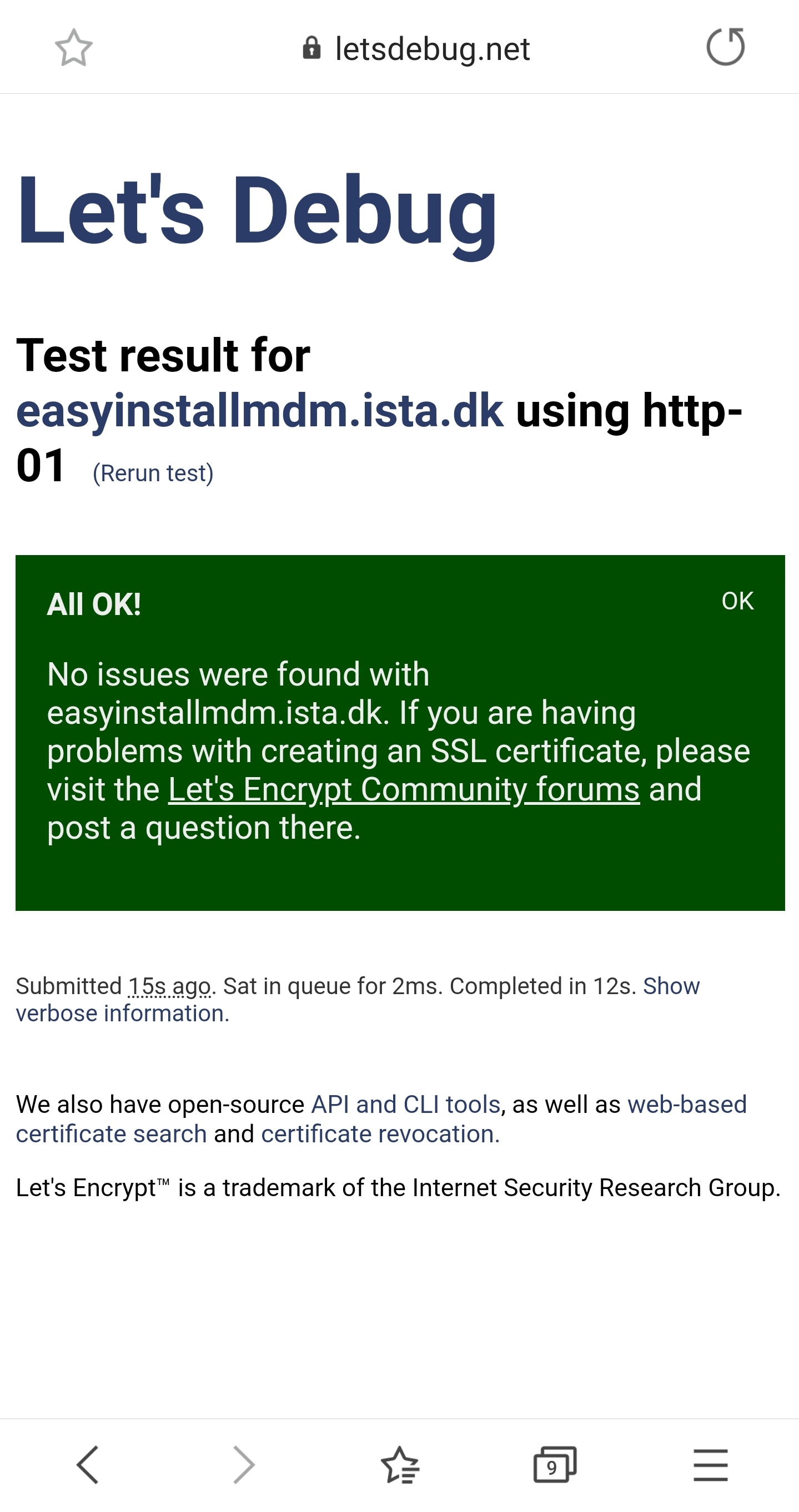
I ran this command:
Certbot certonly --standalone and later typed in my domain “Easyinstallmdm.ista.dk”
It produced this output:
http-01 challenge for easyinstallmdm.ista.dk
Waiting for verification…
e[31mChallenge failed for domain easyinstallmdm.ista.dke[0m
http-01 challenge for easyinstallmdm.ista.dk
Cleaning up challenges
e[31mSome challenges have failed.e[0m
e[1m
IMPORTANT NOTES:
e[0m - The following errors were reported by the server:
To fix these errors, please make sure that your domain name was
entered correctly and the DNS A/AAAA record(s) for that domain
contain(s) the right IP address. Additionally, please check that
your computer has a publicly routable IP address and that no
firewalls are preventing the server from communicating with the
client. If you’re using the webroot plugin, you should also verify
that you are serving files from the webroot path you provided.
My web server is (include version):
Running some MDM solution on the server.
The operating system my web server runs on is (include version):
Windows Server 2019
The version of my client is (e.g. output of certbot --version or certbot-auto --version if you’re using Certbot): Certbot 1.5.0
It used to work, but I was lazy / had vacation and didnt renew the certificate…
And Now I cannot get this to work again
I'm quite the rookie to certificates.
But I cannot launch my MDM soloution without a SSL certificate.
So this means I have to use LetsEncrypt and create a SSL certificate for my potential website before the website is online.
I don't know if LetsEncrypt allows this feature, so i've made a IIS with the same name.
Hint the server is behind a firewall, which only allows incoming trafics to 443 and now also 80.
Could that be the issue? If LetsEncrypt uses DNS port?
But I get the error below.
C:\PROGRA~2\Certbot>certbot certonly --webroot
Saving debug log to C:\Certbot\log\letsencrypt.log
Plugins selected: Authenticator webroot, Installer None
Please enter in your domain name(s) (comma and/or space separated) (Enter 'c'
to cancel): easyinstallmdm.ista.dk
Obtaining a new certificate
Performing the following challenges:
http-01 challenge for easyinstallmdm.ista.dk
Input the webroot for easyinstallmdm.ista.dk: (Enter 'c' to cancel): C:\inetpub\wwwroot\easyinstallmdm
Waiting for verification...
e[31mChallenge failed for domain easyinstallmdm.ista.dke[0m
http-01 challenge for easyinstallmdm.ista.dk
Cleaning up challenges
e[31mSome challenges have failed.e[0m
e[1m
IMPORTANT NOTES:
e[0m - The following errors were reported by the server:
You might also have to create a web.config file at C:\inetpub\wwwroot\easyinstallmdm\.well-known\acme-challenge\web.config to allow extensionless files in IIS:
Doesn't work
C:\PROGRA~2\Certbot>certbot certonly --webroot
Saving debug log to C:\Certbot\log\letsencrypt.log
Plugins selected: Authenticator webroot, Installer None
Please enter in your domain name(s) (comma and/or space separated) (Enter 'c'
to cancel): easyinstallmdm.ista.dk
Obtaining a new certificate
Performing the following challenges:
http-01 challenge for easyinstallmdm.ista.dk
Input the webroot for easyinstallmdm.ista.dk: (Enter 'c' to cancel): C:\inetpub\wwwroot\easyinstallmdm
Waiting for verification...
e[31mChallenge failed for domain easyinstallmdm.ista.dke[0m
http-01 challenge for easyinstallmdm.ista.dk
Cleaning up challenges
e[31mSome challenges have failed.e[0m
e[1m
IMPORTANT NOTES:
e[0m - The following errors were reported by the server:
To fix these errors, please make sure that your domain name was
entered correctly and the DNS A/AAAA record(s) for that domain
contain(s) the right IP address.