Please fill out the fields below so we can help you better. Note: you must provide your domain name to get help. Domain names for issued certificates are all made public in Certificate Transparency logs (e.g. https://crt.sh/?q=example.com), so withholding your domain name here does not increase secrecy, but only makes it harder for us to provide help.
Yeah I did, actually i deactivated it and reactivated the plugin. Until I found out that the certificate expired yesterday. I also checked the Certificates under hostgator control panel and it says
You should get a free certificate from the hostgator control panel (I don’t know if they’re using Let’s Encrypt or not, though), I think it’s the best outcome for you.
It looks like you obtained your certificate using the wordpress plugin and that doesn’t support automatic renewal, I hope the hostgator panel does.
I actually don’t know if the plugin is at all useful to you.
Once you get a certificate from the hostgator panel, try disabling the plugin (before or after doesn’t really matter) and check if the website still works.
To redirect http to https, you can probably just tell wordpress (in /wp-admin/options-general.php) that its address starts with https, or, if you want to be sure, add some lines in your .htaccess file:
RewriteEngine On

RewriteBase /
RewriteCond %{HTTP:X-Forwarded-Proto} !https
RewriteCond %{HTTPS} off
RewriteRule ^(.*)$ https://%{HTTP_HOST}%{REQUEST_URI} [L,R=301]
I tried out SSL insecure content fixer, activated and havent fixed it yet, it does somehow have some options to tinker upon.
This I found out on my Really Simple SSL Plugin.
The mixed content fixer could not be detected due to a cURL error: cURL error 60: Peer certificate cannot be authenticated with known CA certificates . cURL errors are often caused by an outdated version of PHP or cURL and don’t affect the front-end of your site. Contact your hosting provider for a fix
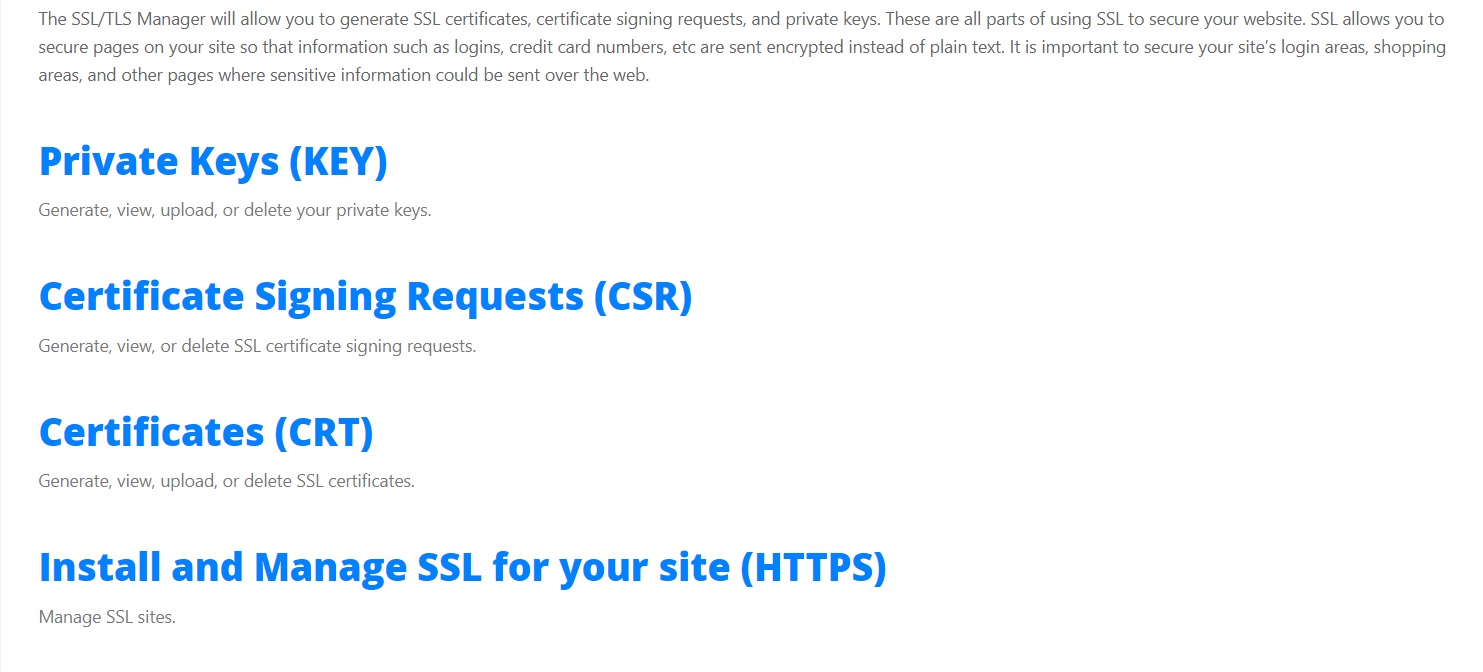
I don’t have that (SSL Certificates) prolly because Im on VPS. :’(
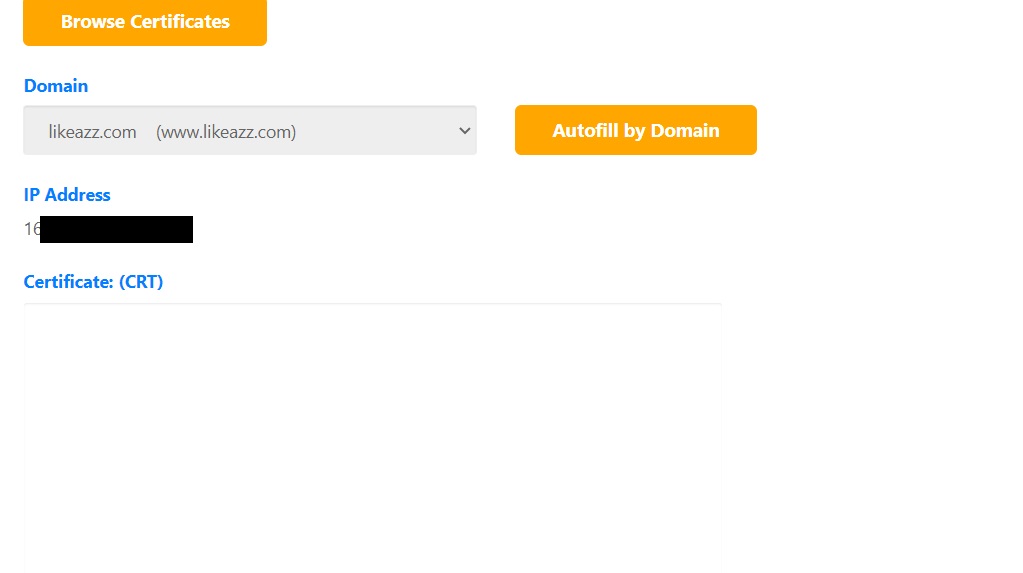
But if I access the SSL certificates and press the Update certificate. The above attachment shows up.
As far as I can tell from the Really Simple SSL documentation, this plugin does NOT get the certificate for you. It only makes sure Wordpress' configuration is compatible with a SSL secured site.
So I'd like to ask again: how did you get the certificate in the first place?
As far as I can tell from the Really Simple SSL documentation, this plugin does NOT get the certificate for you. It only makes sure Wordpress’ configuration is compatible with a SSL secured site.
So I’d like to ask again: how did you get the certificate in the first place?
Yes, that's about forcing HTTPS after you got "The Free SSL" as far as I understand. I just read the Really Simple SSL documentation (as linked above):