Please fill out the fields below so we can help you better. Note: you must provide your domain name to get help. Domain names for issued certificates are all made public in Certificate Transparency logs (e.g. crt.sh | example.com), so withholding your domain name here does not increase secrecy, but only makes it harder for us to provide help.
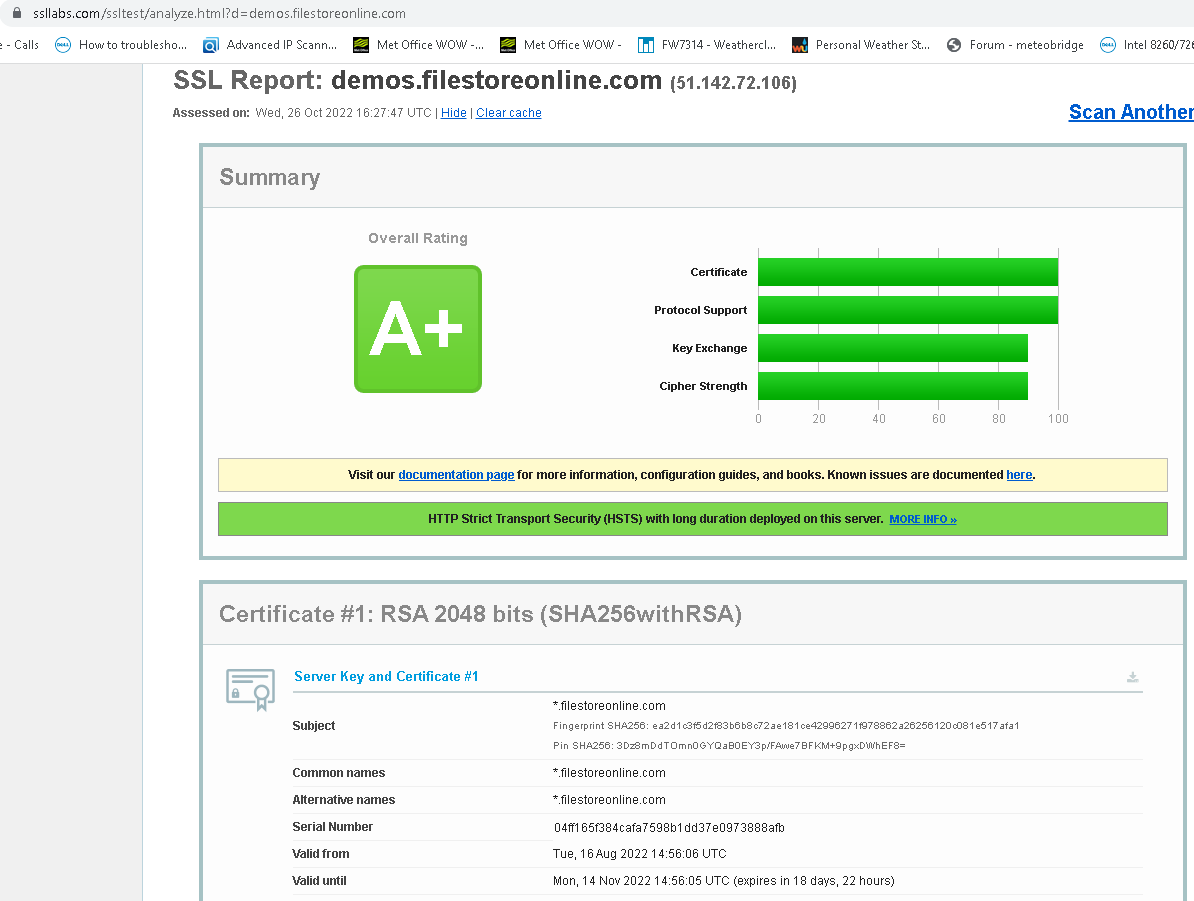
My domain is: !.filestoreonline.com (demos.filestoreonline.com)
I ran this command: submit-renewal *.fielstoreonline.com
It produced this output:
My web server is (include version): Azure Application Gateway WAF V2
The operating system my web server runs on is (include version):
My hosting provider, if applicable, is:
I can login to a root shell on my machine (yes or no, or I don't know): no
I'm using a control panel to manage my site (no, or provide the name and version of the control panel): Azure Web Control Penal
The version of my client is (e.g. output of certbot --version or certbot-auto --version if you're using Certbot): Posh-Acme 4.14.0
I recently renewed a wildcard cert, which is used on an Azure AGW for roughly 50 listeners on the front-end. When the cert was initially created, I used the AlwaysNewKey switch, so a new private key was also generated. The issue, however, is when I applied the new cert to the AGW, we began receiving reports of NET::ERR_CERT_AUTHORITY_INVALID from clients connecting to their respective endpoints. For what it's worth, I do not get error when connecting to the same endpoints on my own system.
When investigating, the root and intermediate certs did not change that I can tell. I did revert the cert to the old cert and it appears that these customers are not seeing the issue now.
Cert copies have been uploaded for review and hopeful insight from the community!
cert_new.pem (1.8 KB)
cert_old.pem (1.8 KB)