Please fill out the fields below so we can help you better. Note: you must provide your domain name to get help. Domain names for issued certificates are all made public in Certificate Transparency logs (e.g. crt.sh | example.com ), so withholding your domain name here does not increase secrecy, but only makes it harder for us to provide help.
My domain is: vitaeezy.com
I ran this command:
Free SSL certificate Letsencrypt
# certbot --nginx --redirect -d www.example.com -d example.com -m admin@example.com --agree-tos --no-eff-email
It produced this output: Successfully deployed the certificate
My web server is (include version): --nginx
The operating system my web server runs on is (include version):
My hosting provider, if applicable, is: VULTR
I can login to a root shell on my machine (yes or no, or I don't know):
I'm using a control panel to manage my site (no, or provide the name and version of the control panel): Console
The version of my client is (e.g. output of certbot --version or certbot-auto --version if you're using Certbot):
Hello @letsencrypt2 , welcome to the Let's Encrypt community.
Your nginx server is returning 403 for both www.vitaeezy.com and vitaeezy.com
$ curl http://vitaeezy.com
<html>
<head><title>403 Forbidden</title></head>
<body>
<center><h1>403 Forbidden</h1></center>
<hr><center>nginx</center>
</body>
</html>

$ curl http://www.vitaeezy.com
<html>
<head><title>403 Forbidden</title></head>
<body>
<center><h1>403 Forbidden</h1></center>
<hr><center>nginx</center>
</body>
</html>
However curious if this is possibly a typo
letsencrypt2:
--ngix
And here is a list of issued certificates crt.sh | vitaeezy.com , the latest being 2022-11-14 .
Hi Bruce ..
If you know nginx configuration start there otherwise, kindly wait for more knowledgeable Let's Encrypt community volunteers to assist.
rg305
November 15, 2022, 8:22am
6
You could show the nginx config, with the output of:nginx -T[that's a capital "T"]
rg305
November 15, 2022, 2:58pm
8
Explain my post?nginx configuration, we may be able to see why you presumably are unable to obtain a certificate.
rg305
November 15, 2022, 3:31pm
10
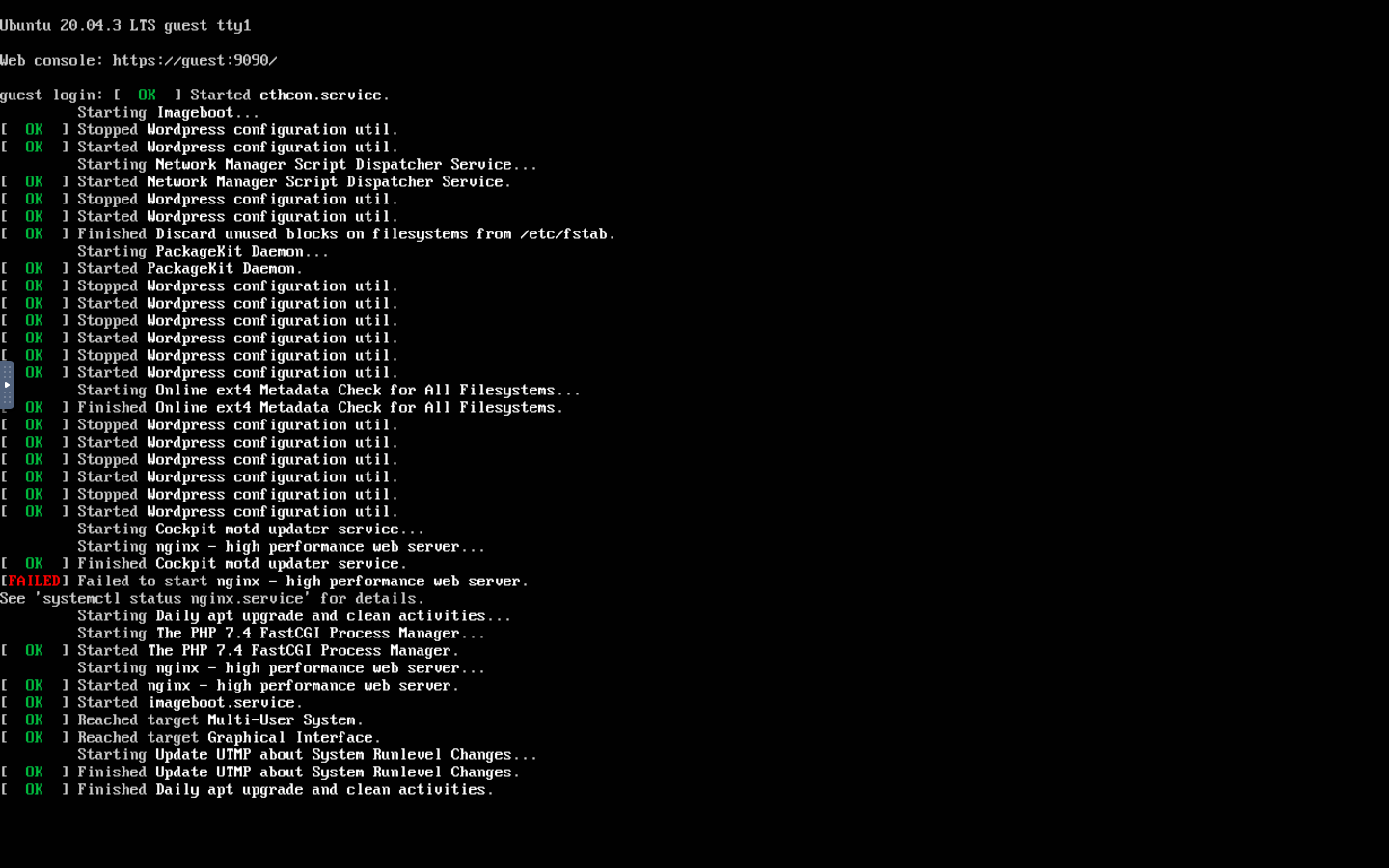
Your nginx is unable to start.
Thanks .....How do i do that?
rg305
November 15, 2022, 3:34pm
12
I wouldn't know.nginx forum.
But are you even on the right server?
curl -I http://www.vitaeezy.com
HTTP/1.1 302 Found
Server: nginx
Date: Tue, 15 Nov 2022 15:31:44 GMT
Content-Type: text/html; charset=UTF-8
Connection: keep-alive
Expires: Wed, 11 Jan 1984 05:00:00 GMT
Cache-Control: no-cache, must-revalidate, max-age=0
X-Redirect-By: WordPress
Location: http://www.vitaeezy.com/wp-admin/install.php
[which shows an nginx server is listening]
Your Domain Name does match the IPv4 Address you are showing, good.
$ nslookup
> server ns19.domaincontrol.com.
Default server: ns19.domaincontrol.com.
Address: 97.74.109.10#53
Default server: ns19.domaincontrol.com.
Address: 2603:5:21d0::a#53
> vitaeezy.com
Server:         ns19.domaincontrol.com.
Address:        97.74.109.10#53

Name:   vitaeezy.com
Address: 209.250.232.211
>
Using this tool https://www.redirect-checker.org/ shows this redirect
And that redirected location shows this
And with curl -I
$ curl -I http://www.vitaeezy.com
HTTP/1.1 302 Found
Server: nginx
Date: Tue, 15 Nov 2022 18:32:37 GMT
Content-Type: text/html; charset=UTF-8
Connection: keep-alive
Expires: Wed, 11 Jan 1984 05:00:00 GMT
Cache-Control: no-cache, must-revalidate, max-age=0
X-Redirect-By: WordPress
Location: http://www.vitaeezy.com/wp-admin/install.php

$ curl -I  http://www.vitaeezy.com/wp-admin/install.php
HTTP/1.1 401 Unauthorized
Server: nginx
Date: Tue, 15 Nov 2022 18:32:57 GMT
Content-Type: text/html
Content-Length: 172
Connection: keep-alive
WWW-Authenticate: Basic realm="Restricted"